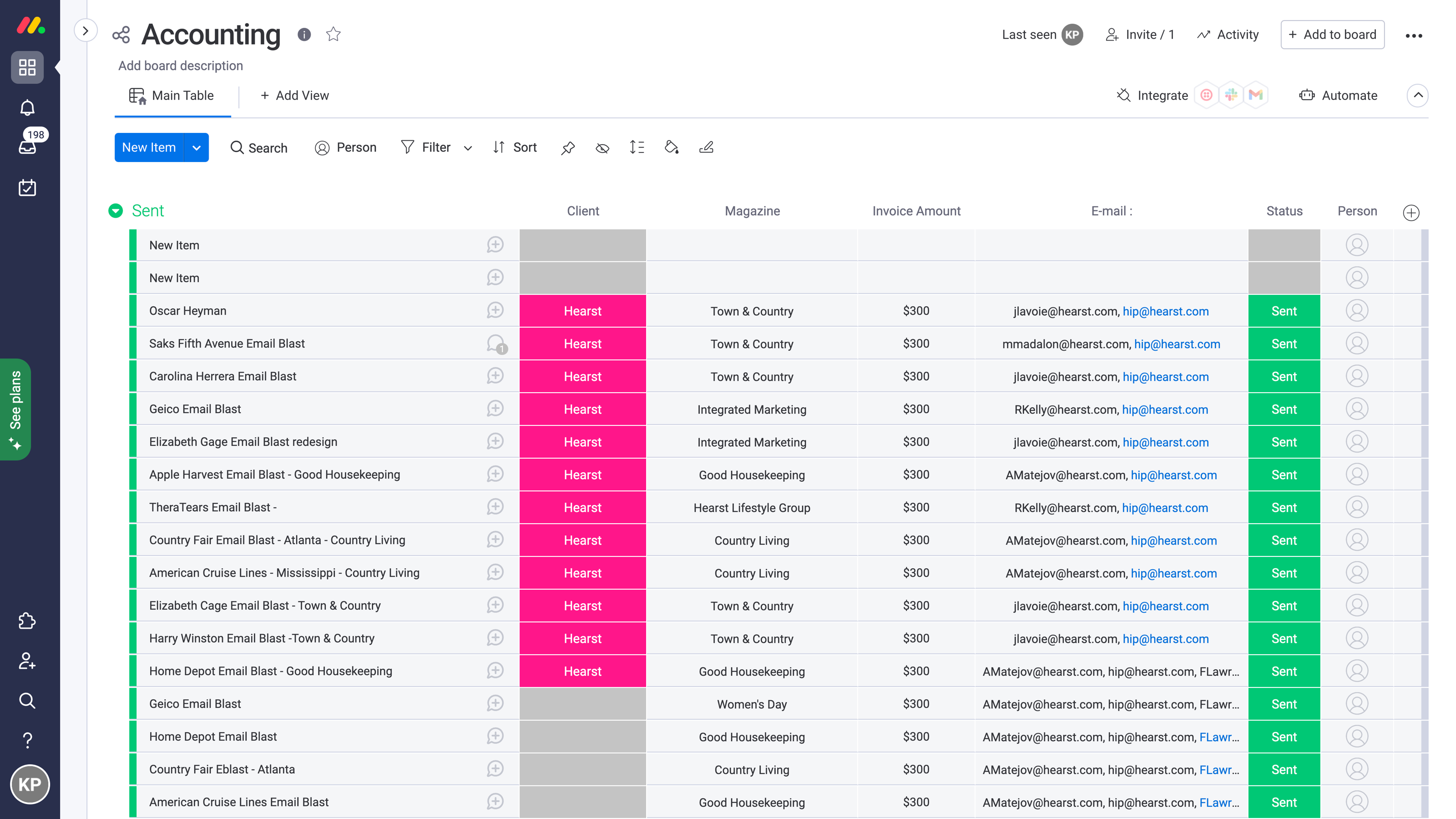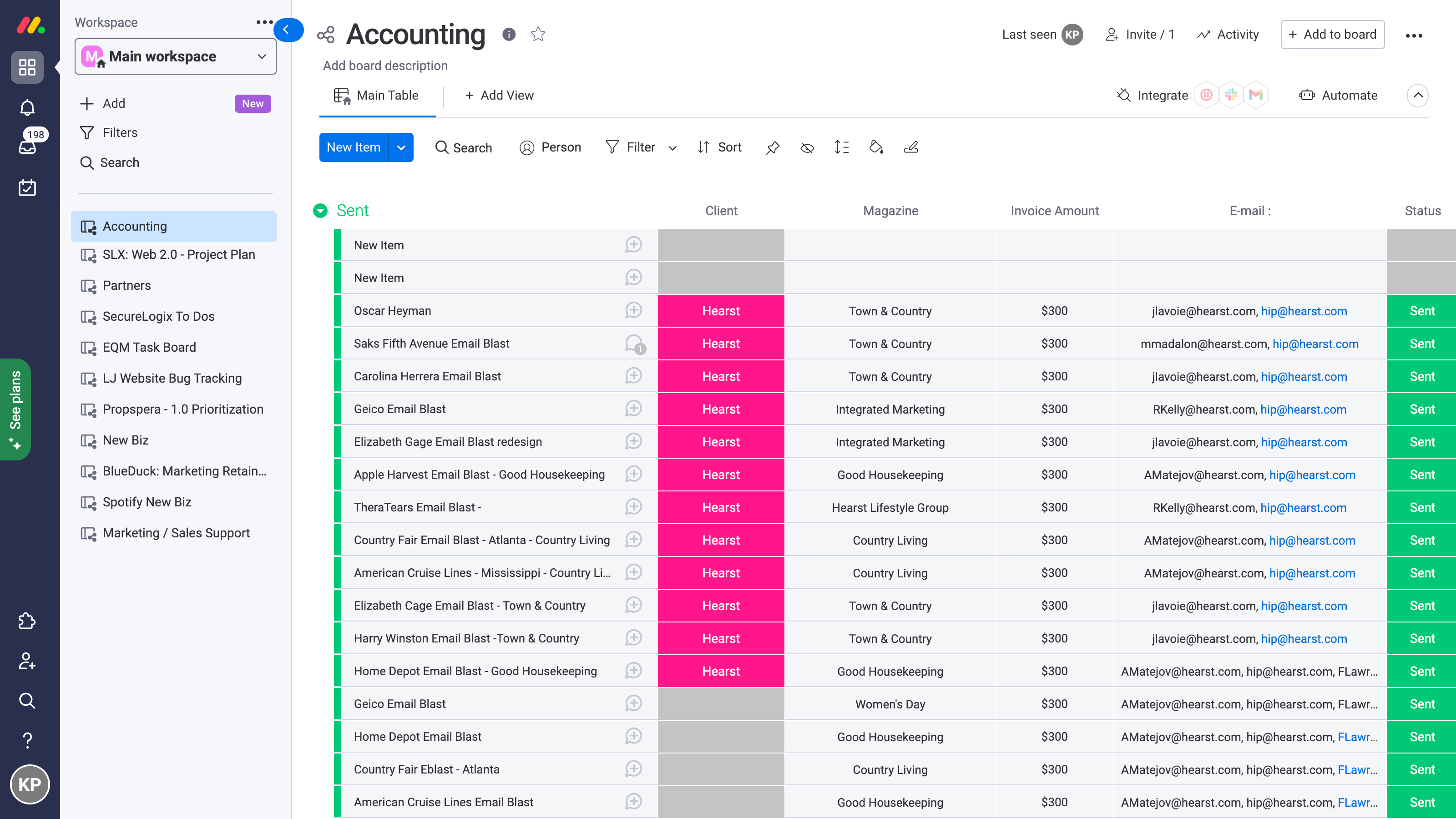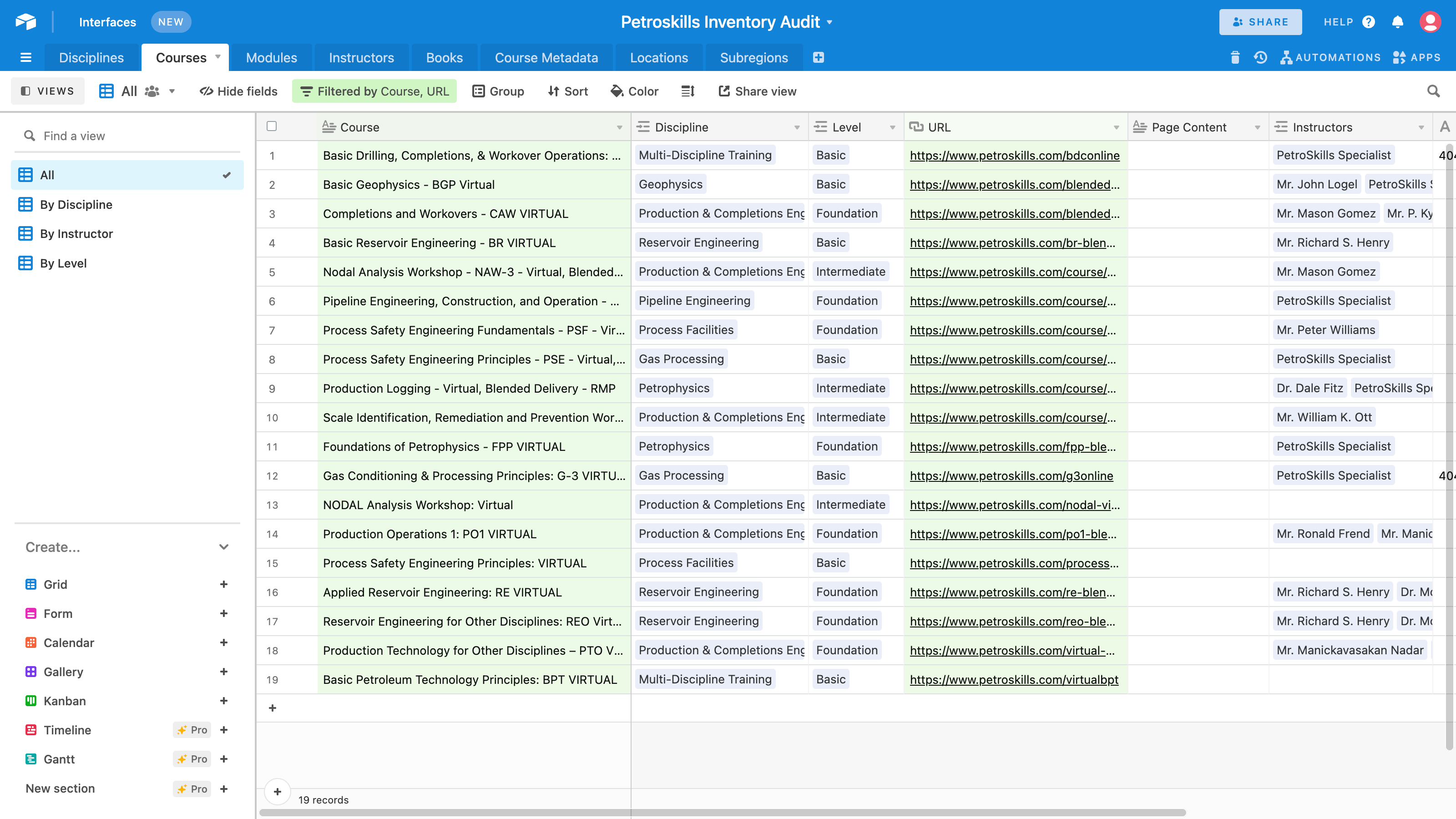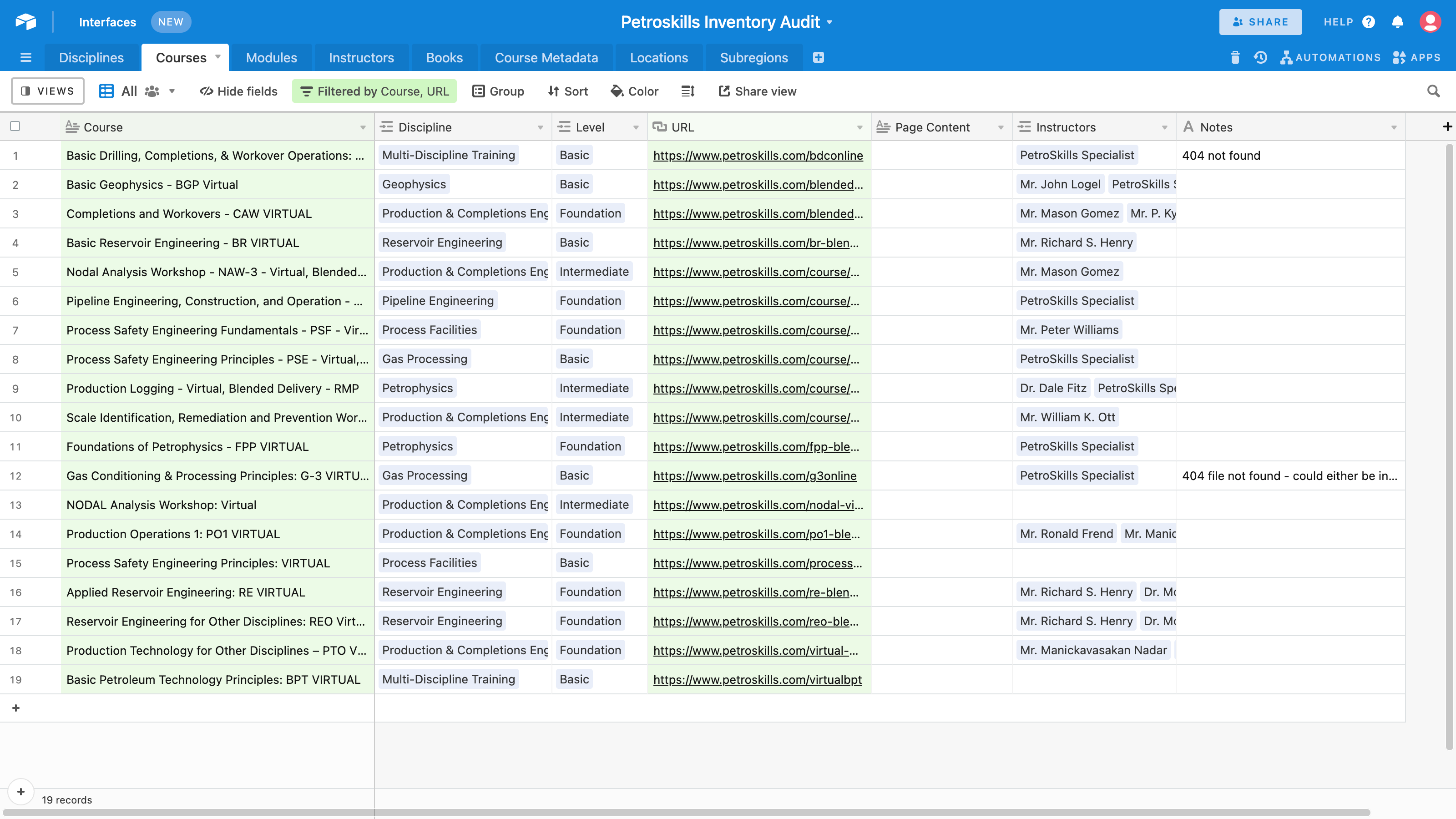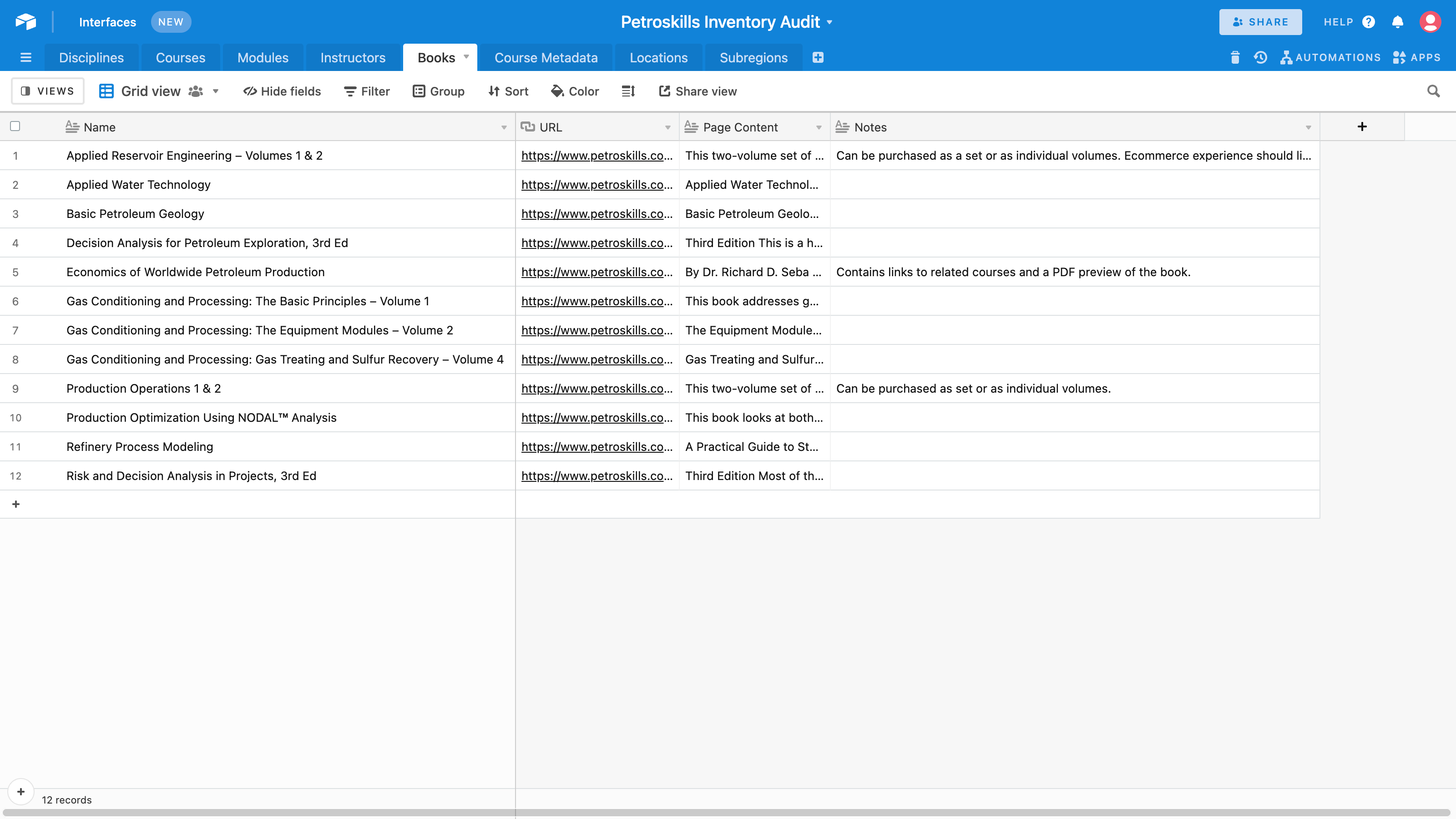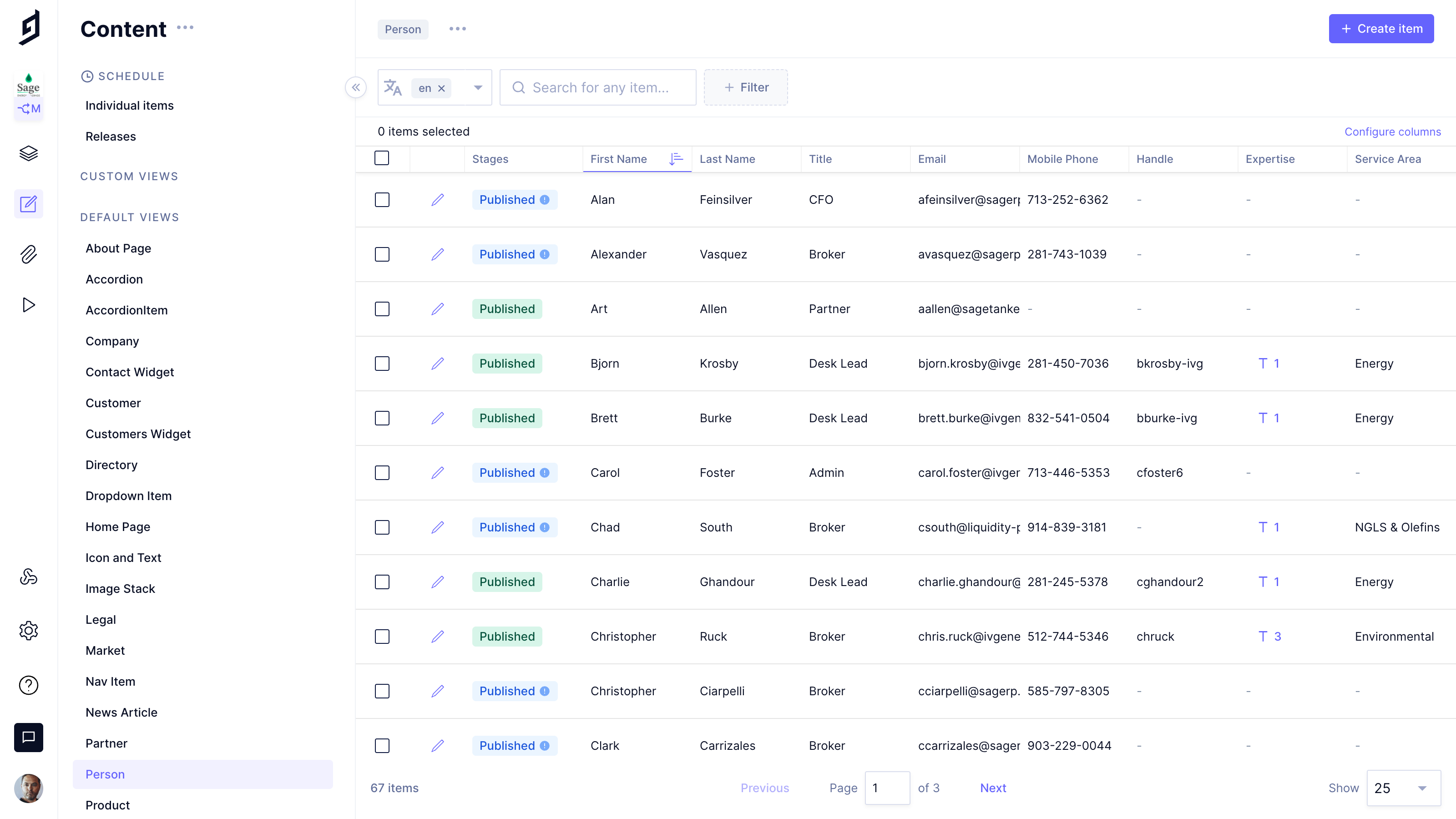
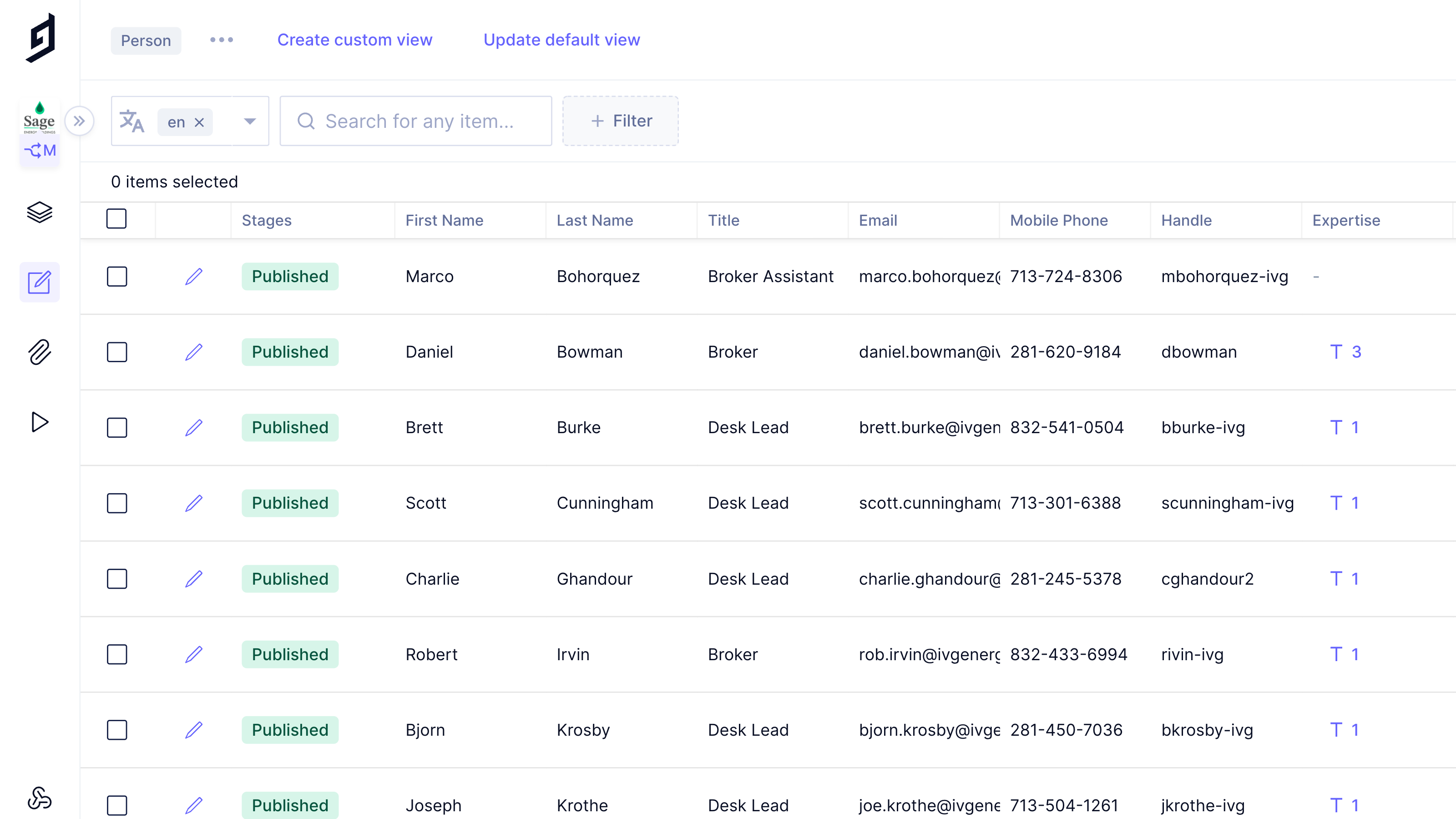
- Graph CMS employs modern left-sidebar primary navigation.
- Also note the left-hand collapsible sub-navigation.
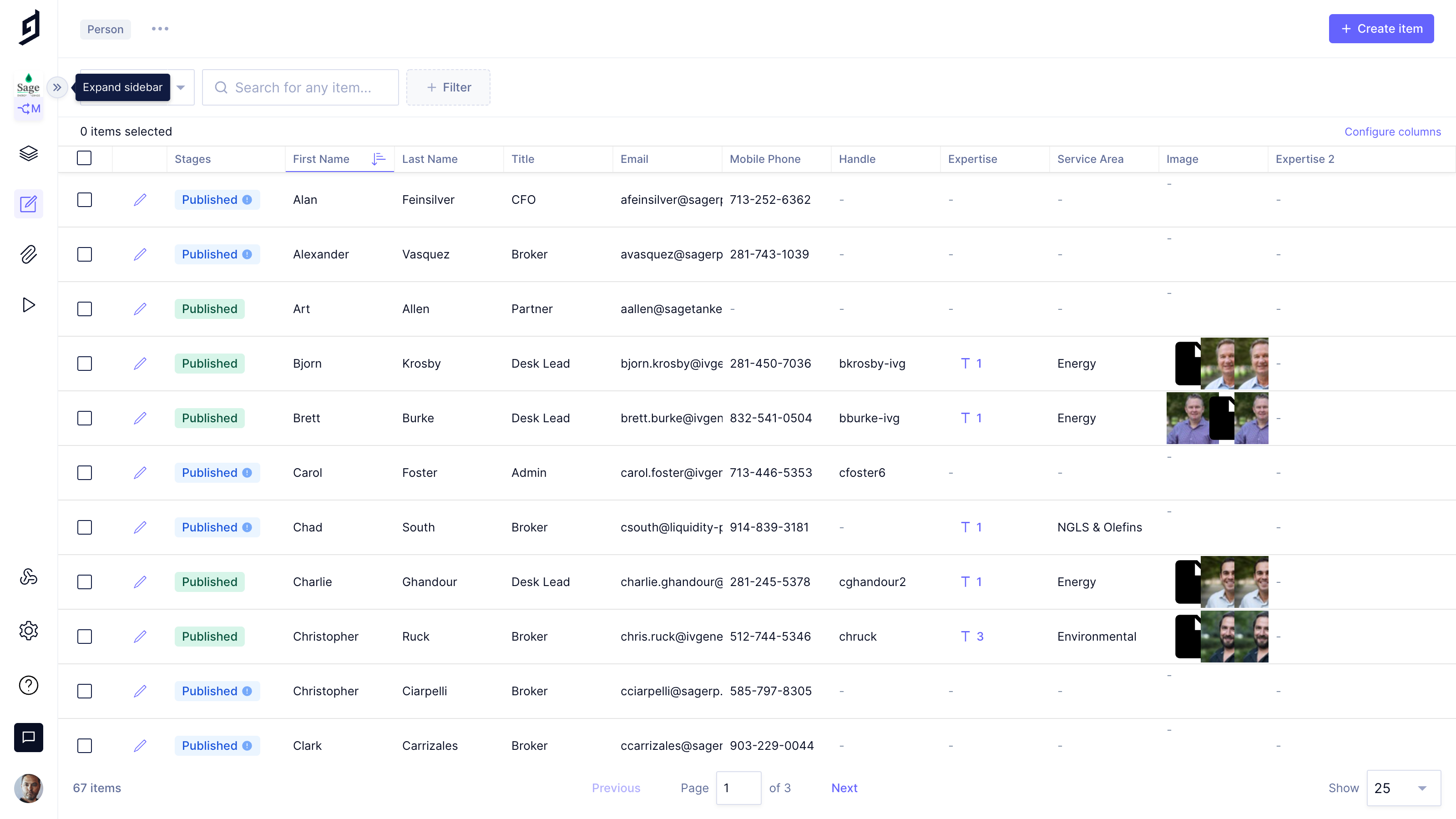
- This screenshot shows the sub-navigation drawer collapsed
- Also note the pagination controls at the bottom.
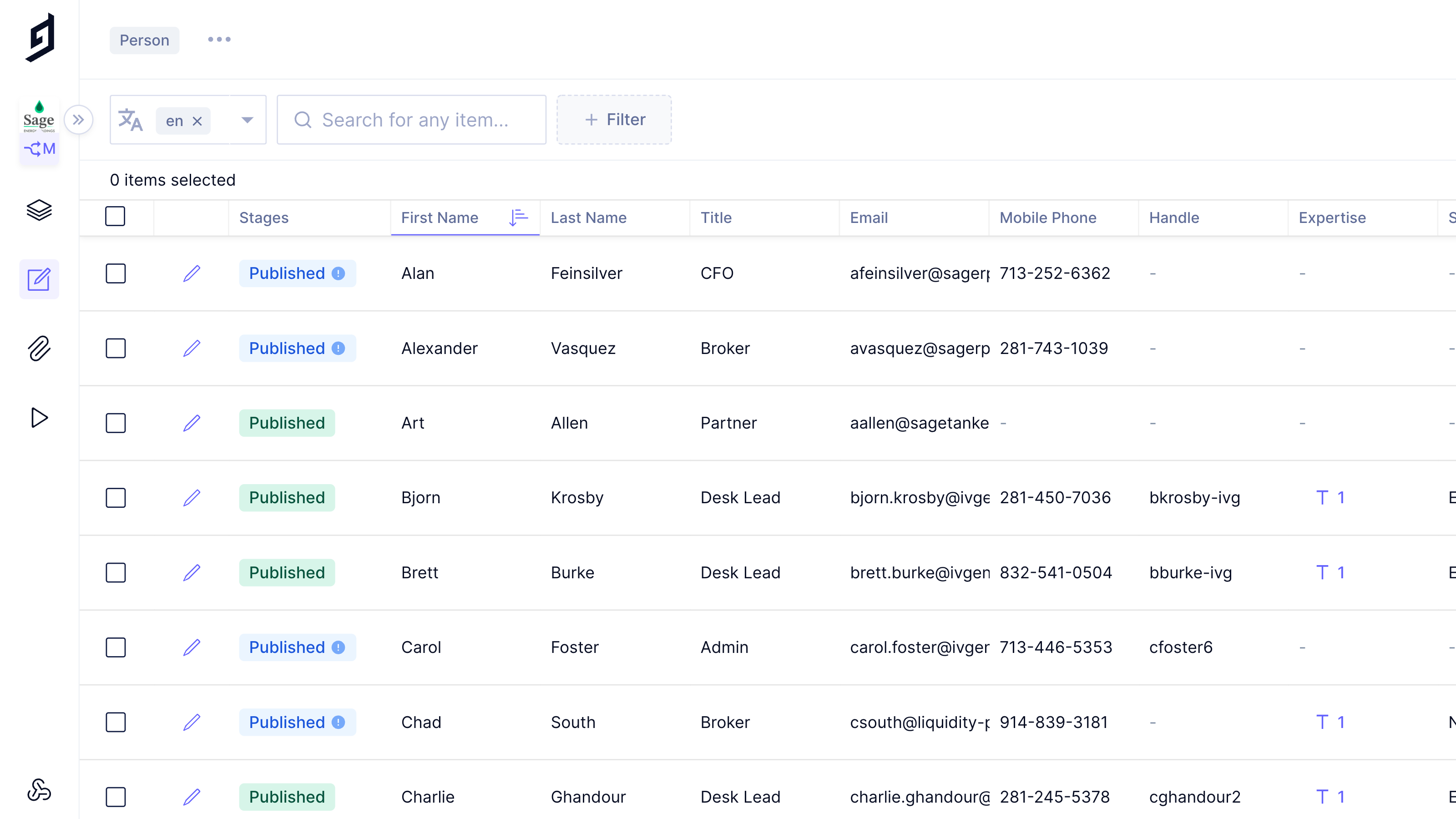
- Row content is kept to a single line with generous padding
- Also note the controlled but effective use of color to indicate status.
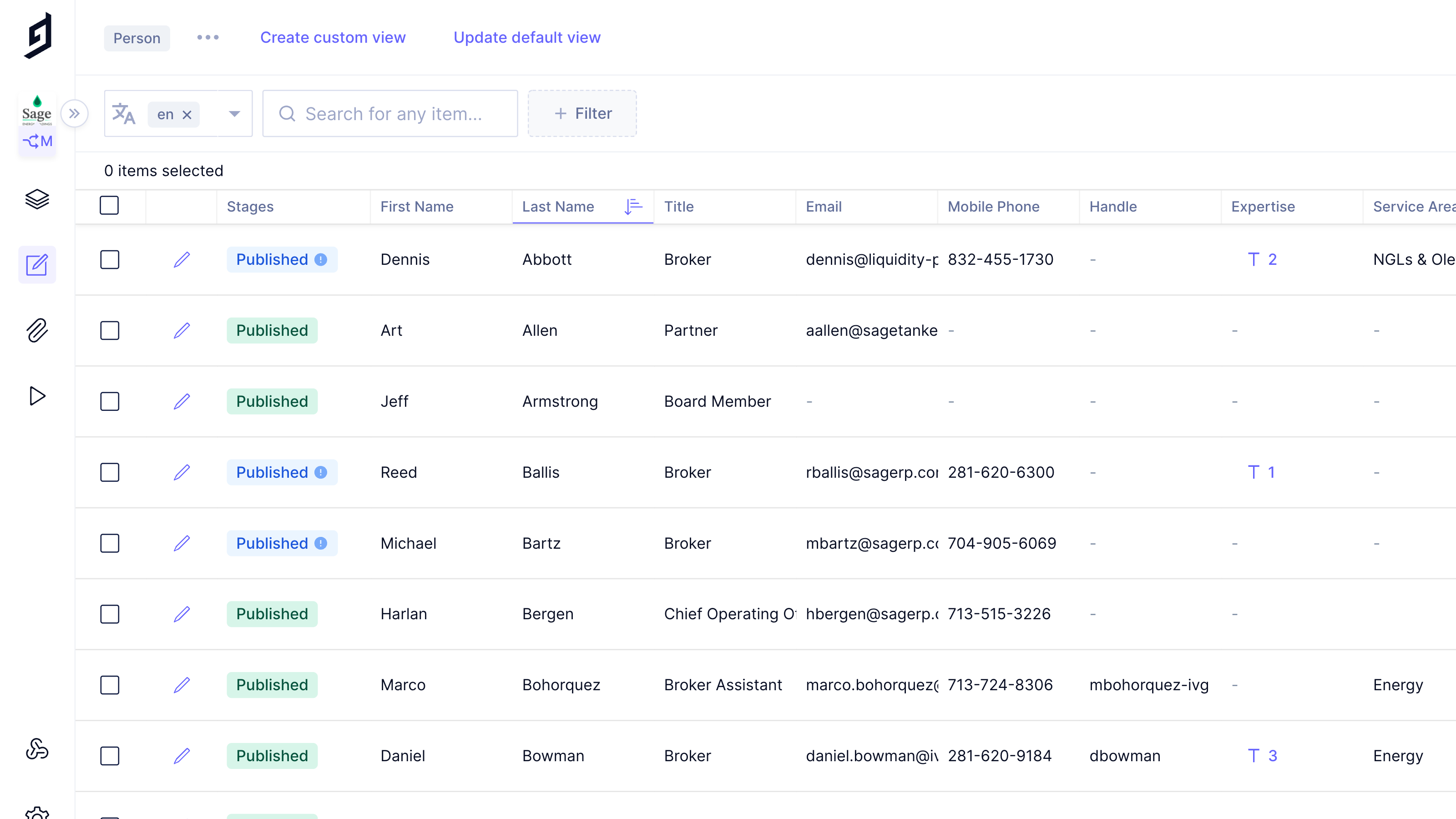
- Clicking on any column head immediately applies A-Z sort
- Clicking again applies Z-A sort. On more click removes the sort.
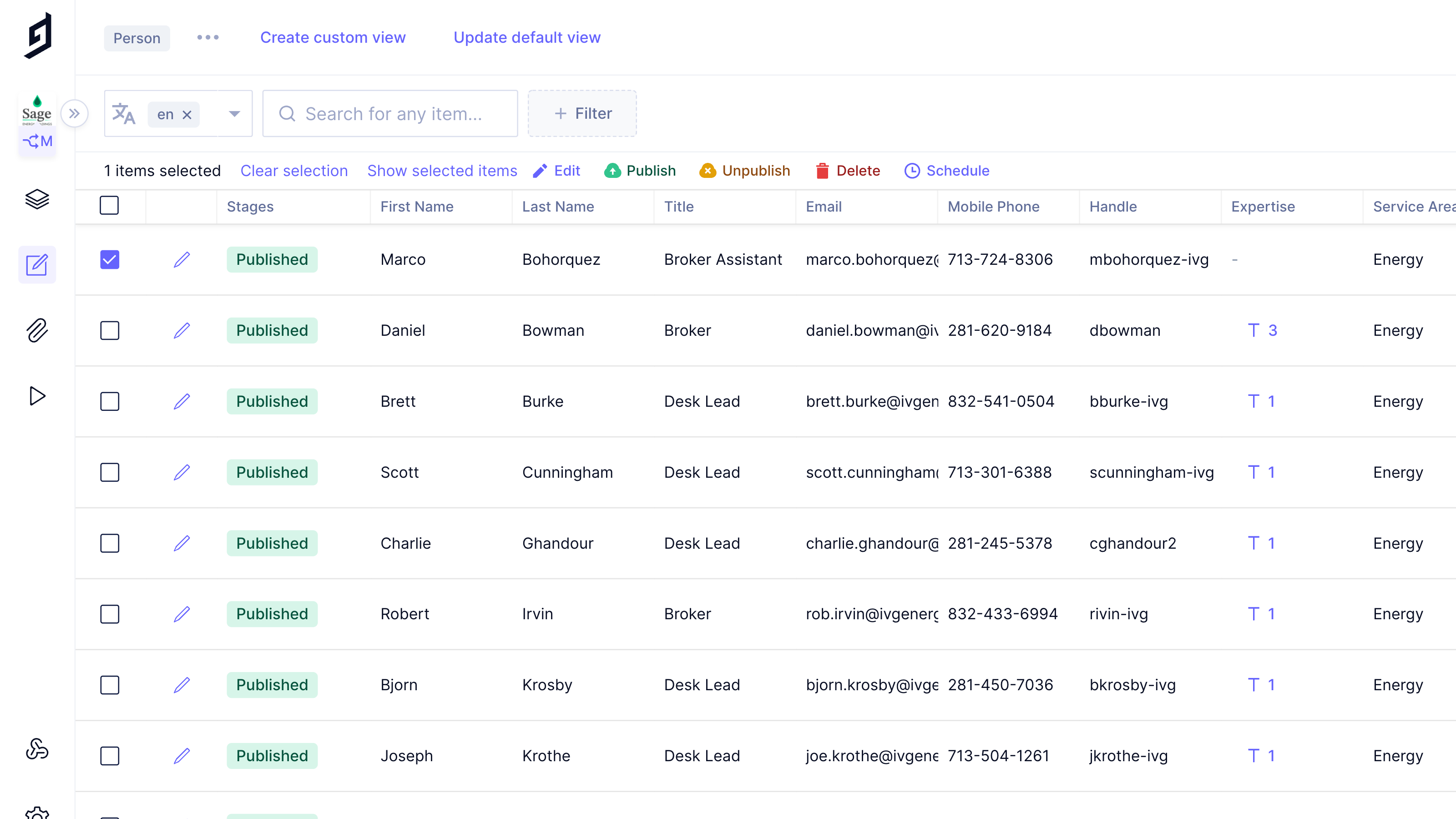
- Toolbar stays hidden until line item is selected; reducing clutter
- Careful use of color enhances toolbar usability.
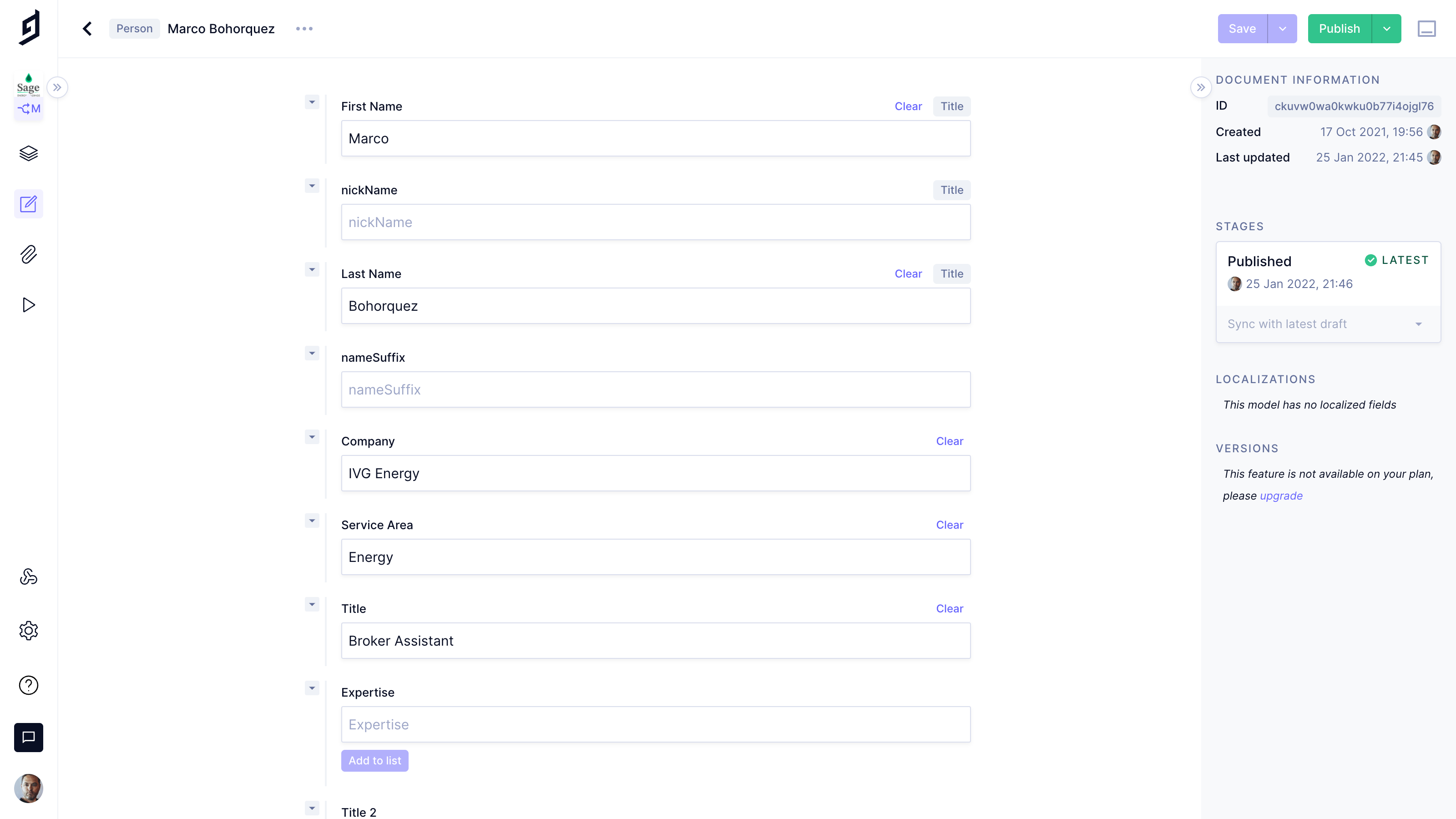
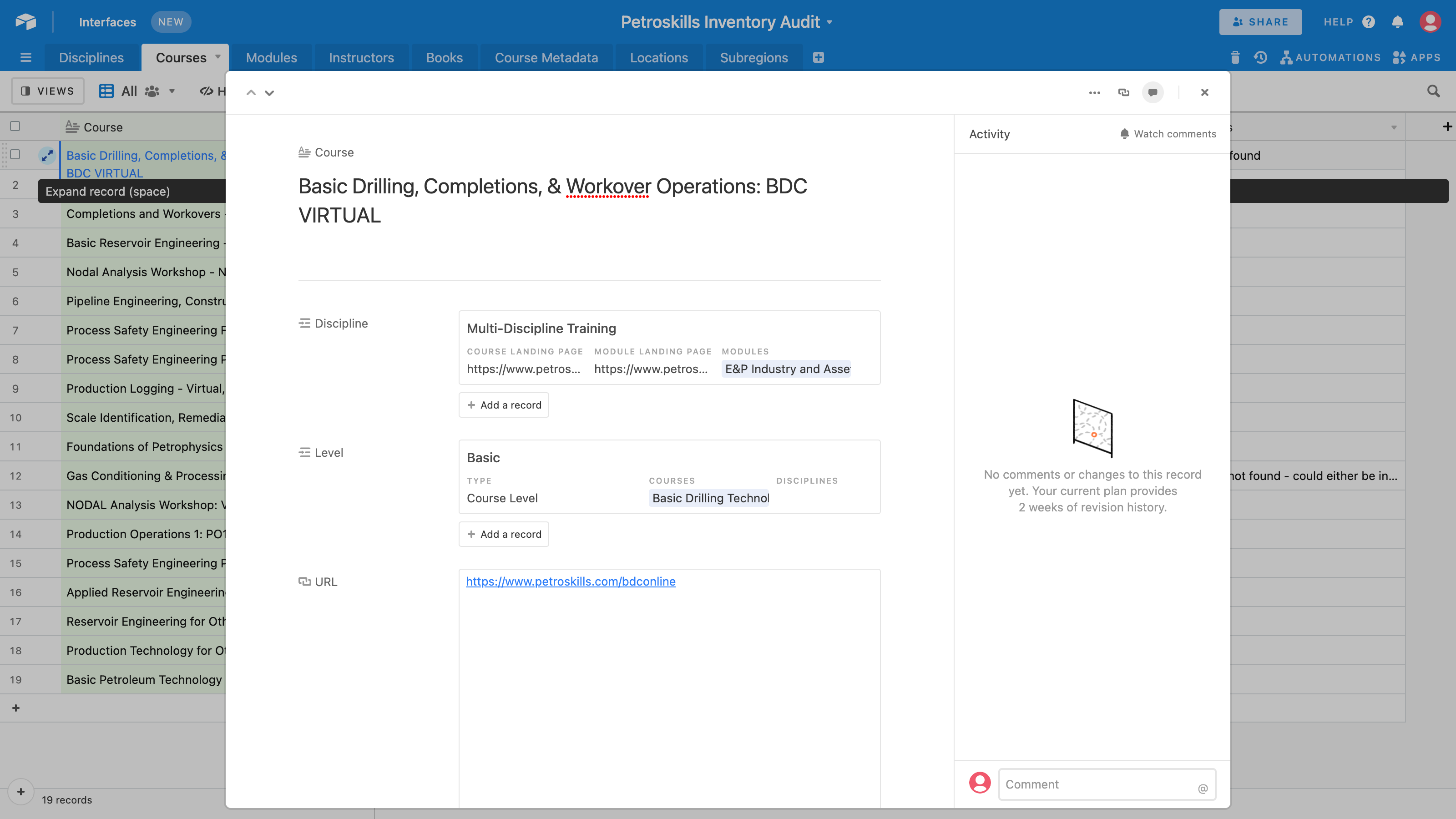
- Edit screen state hides rows and allows user to focus on editing / viewing selected item
- Right hand sidebar provides contextual information.
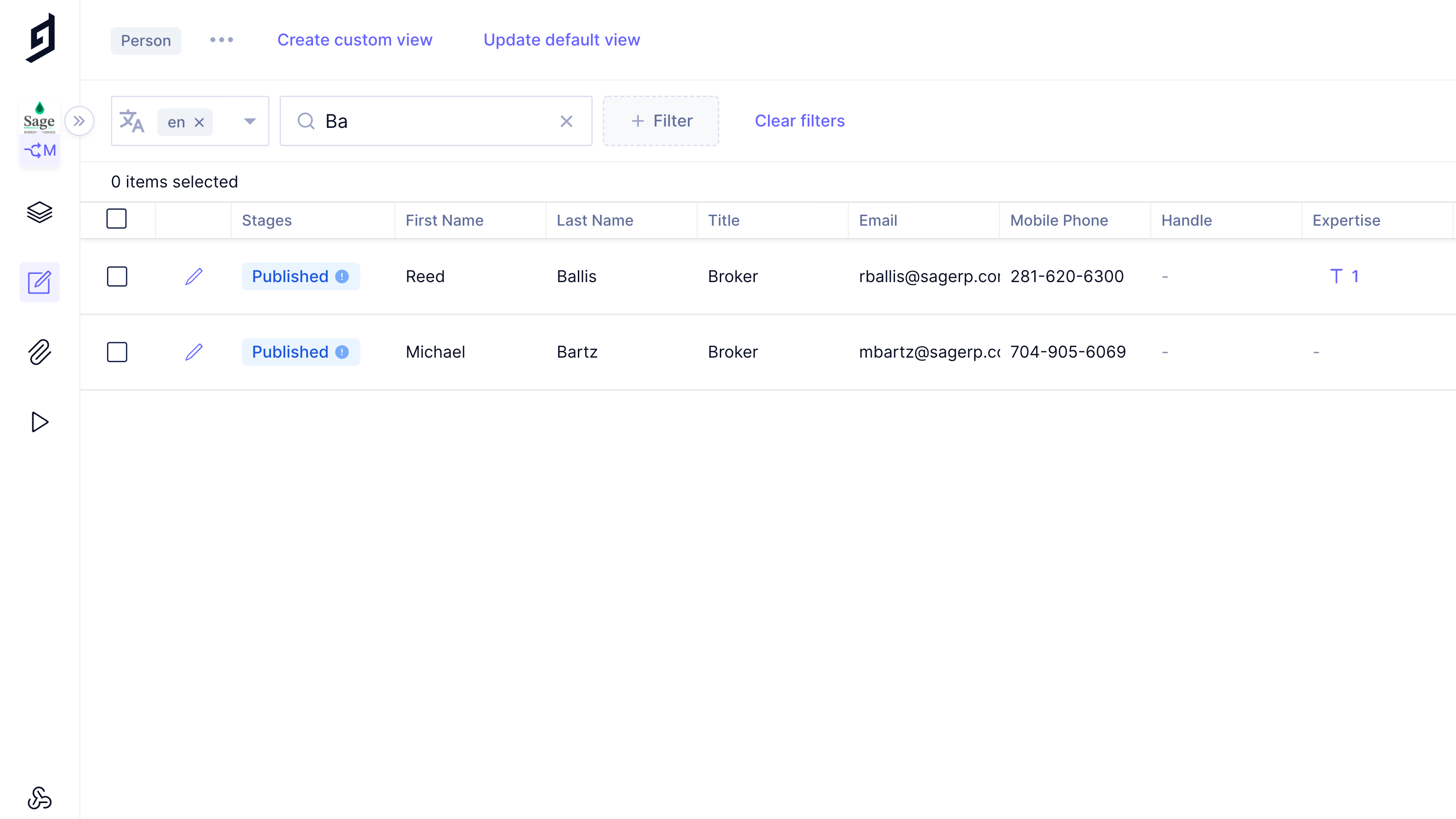
- Search bar filters results as you type
- Also note, search box is not global, it is contextual to the screen you are on.
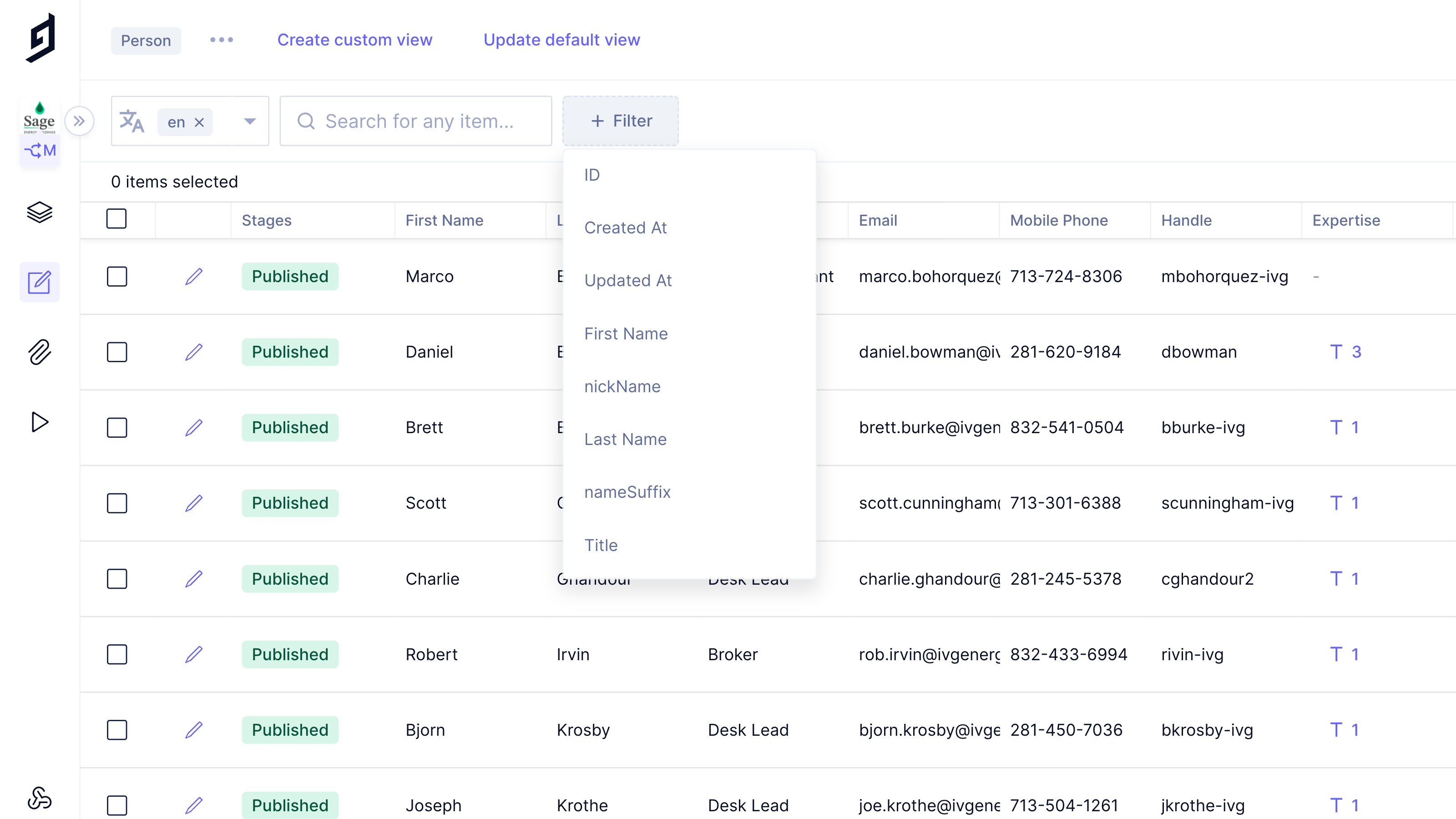
- Dropdowns use a nice clean design, easily readable
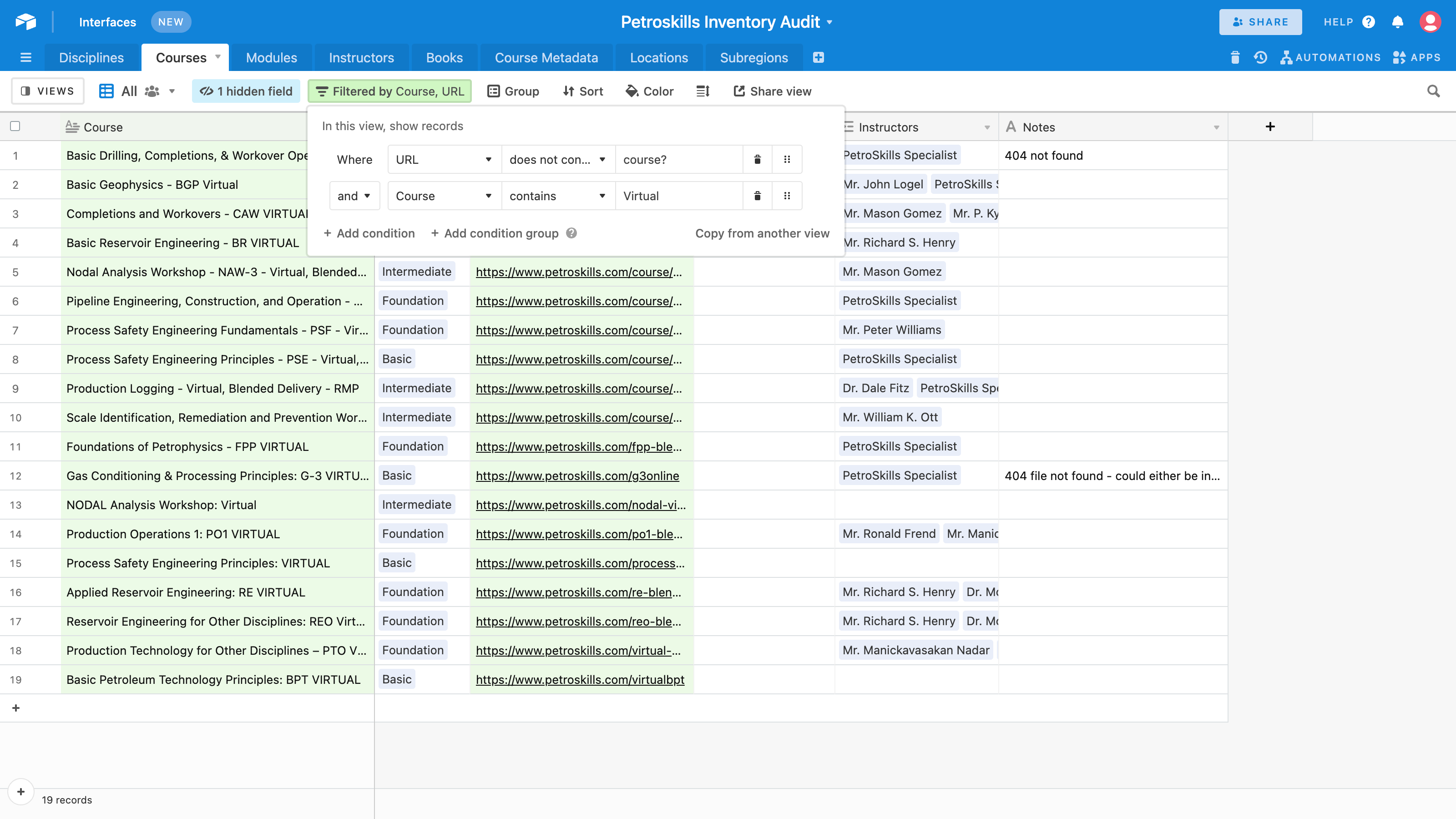
- This dropdown allows user to select a filter type.
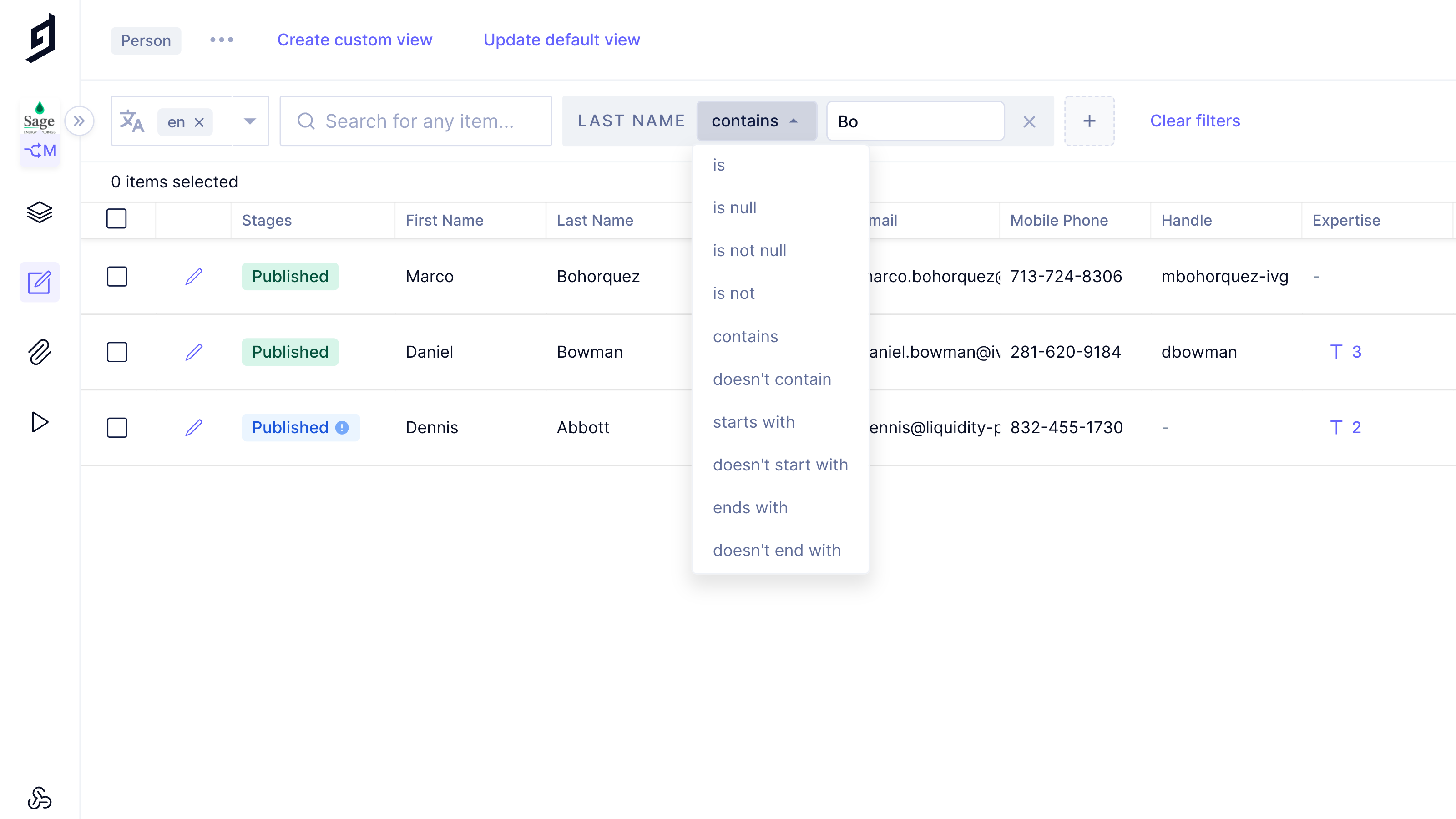
- Intuitive experience allows user to build filter logic on the fly.
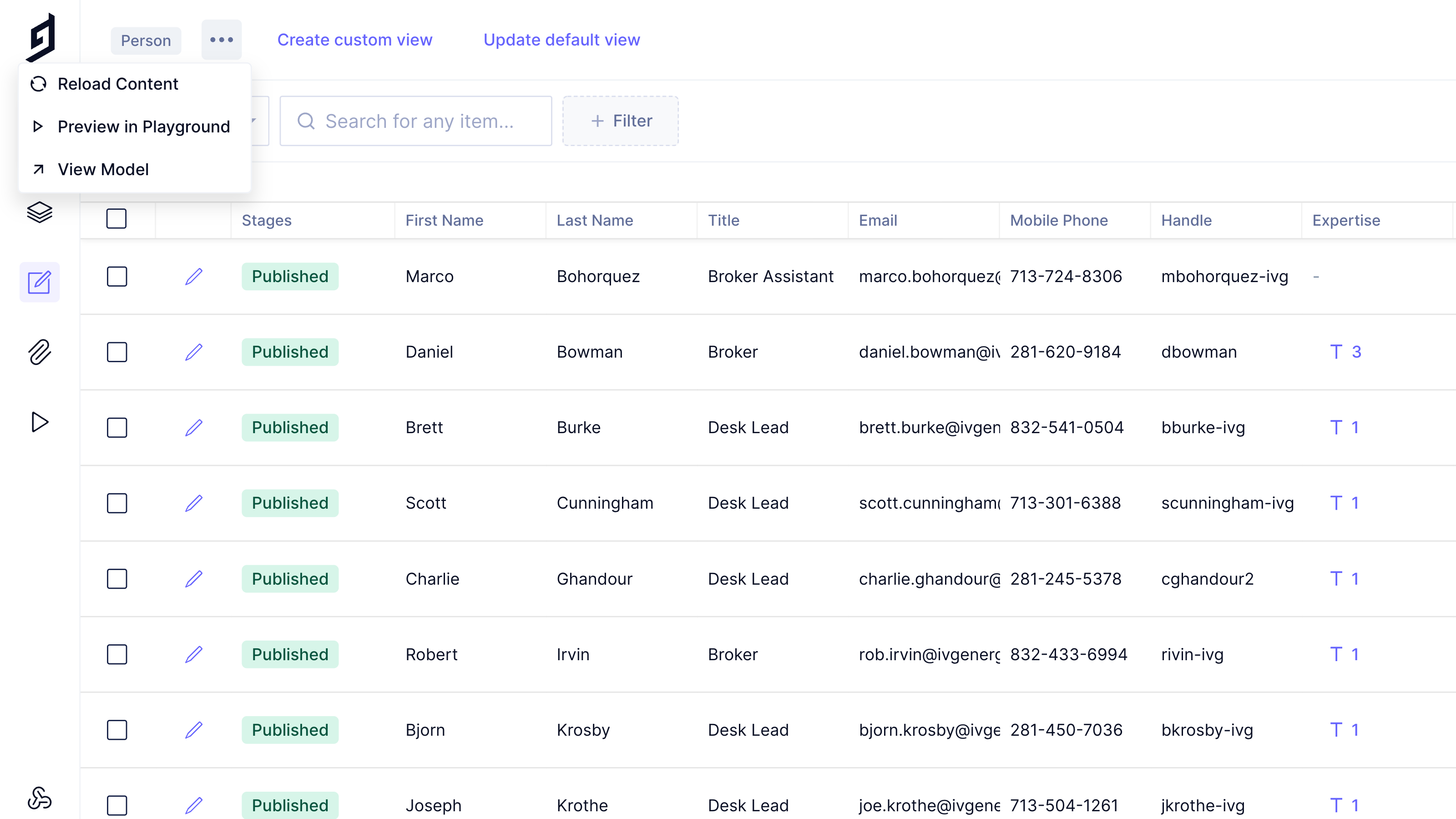
- Contextual '...' menus reduce clutter by hiding less frequently used features until they are needed.
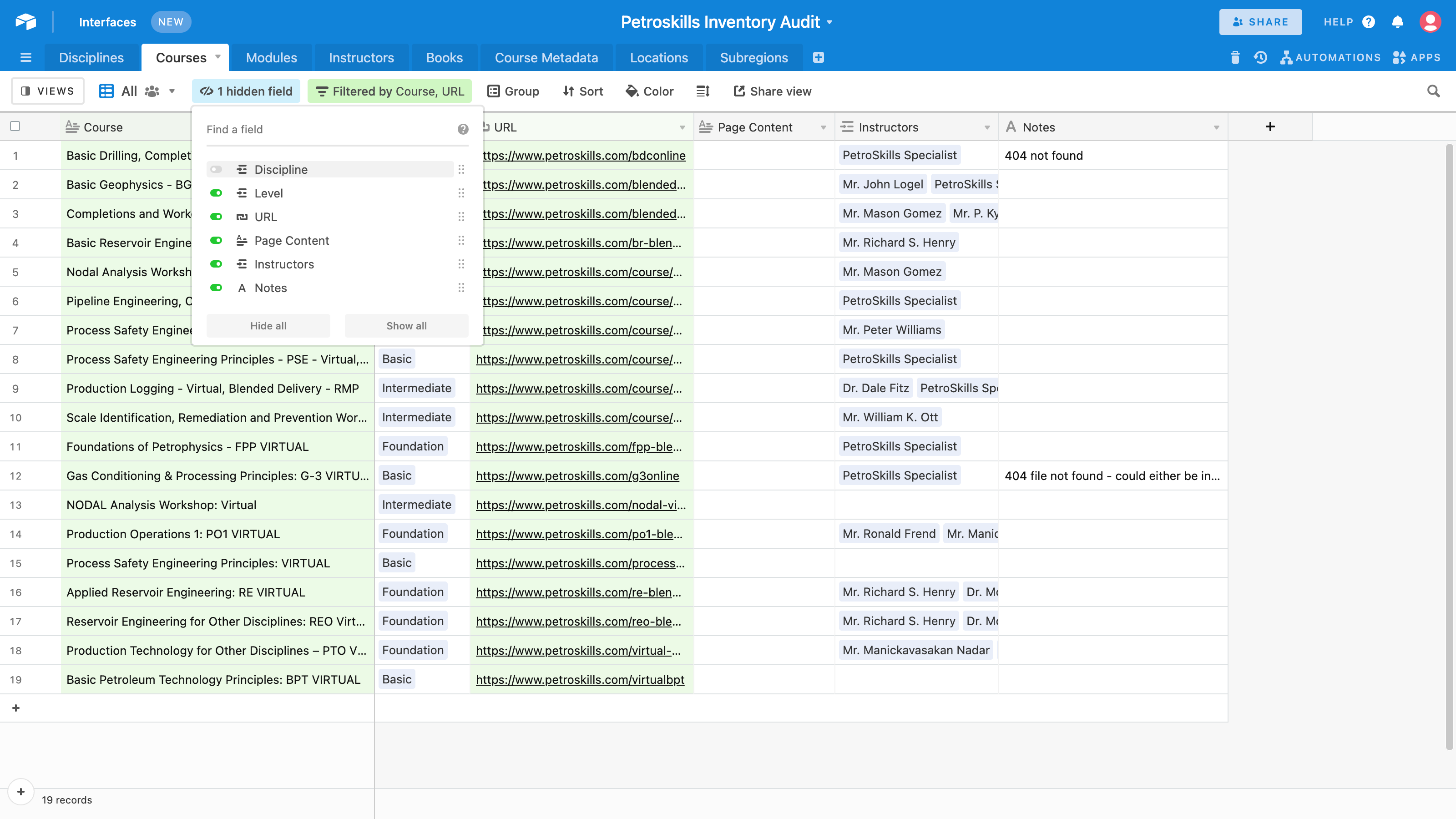
- Column visibility is easily configurable using this menu, changes can then be saved as your default
- Columns are also draggable to update the order.